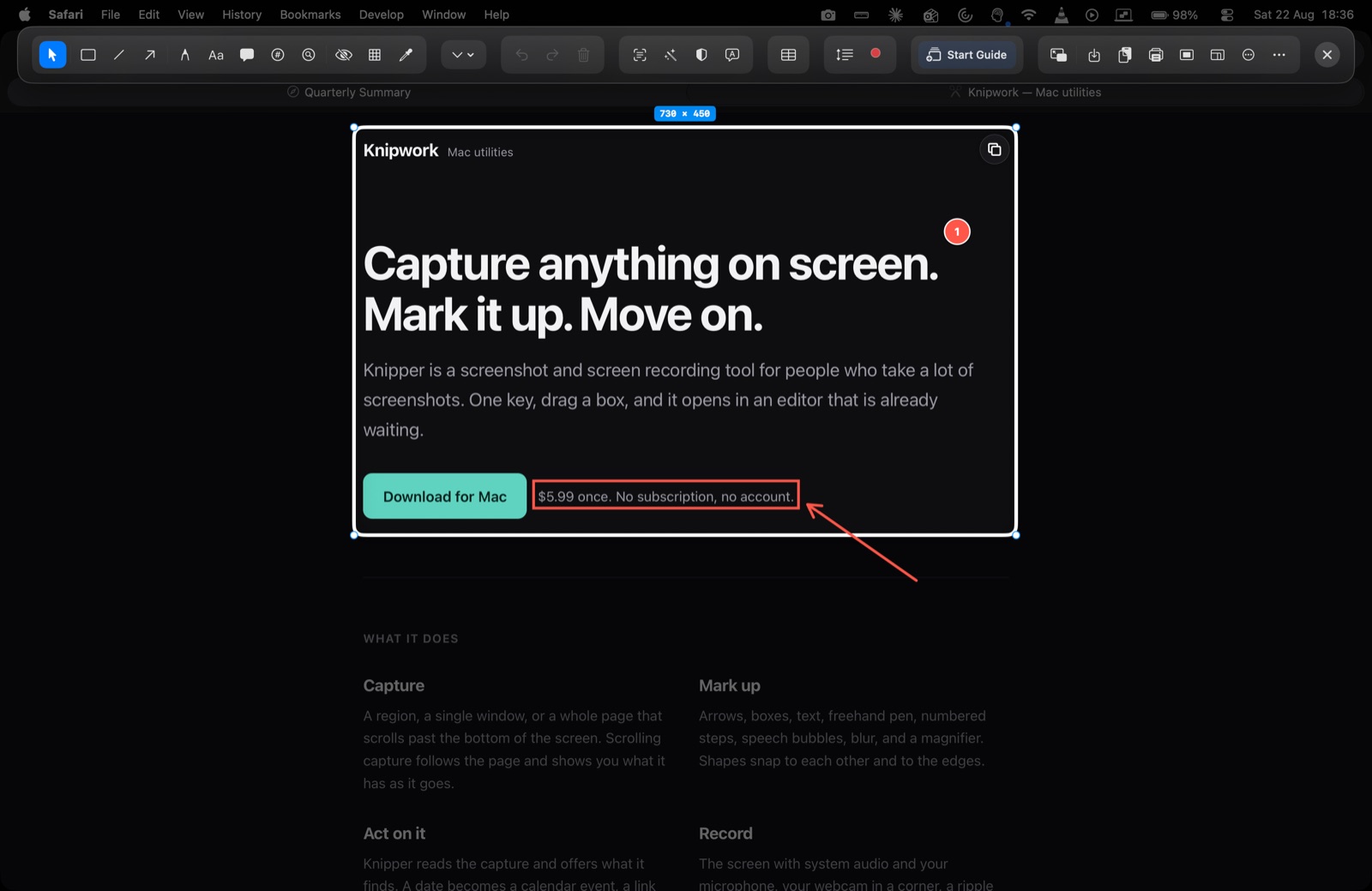
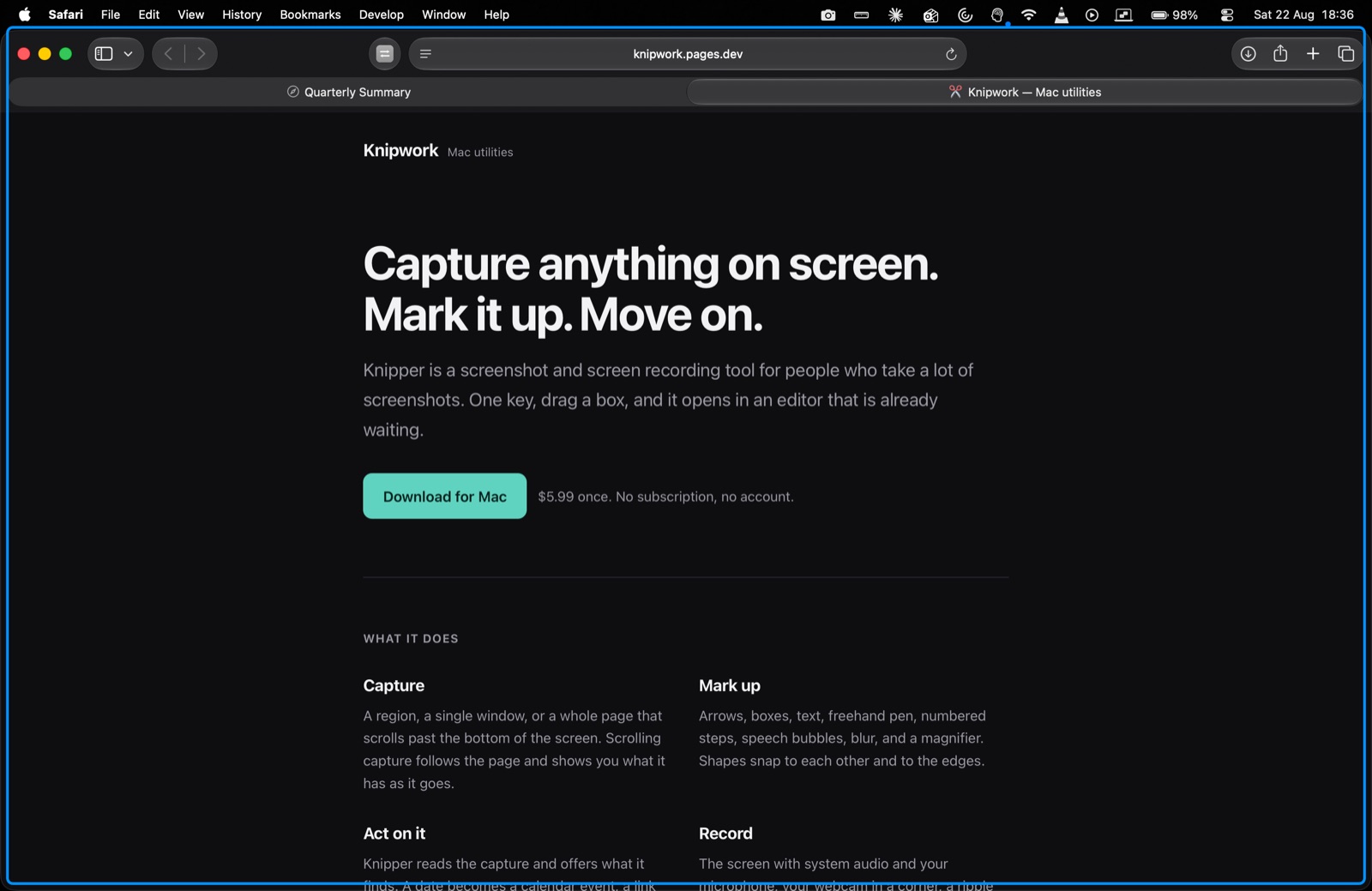
Capture anything on screen.
Mark it up. Move on.
Knipper is a screenshot and screen recording tool for people who take a lot of screenshots. One key, drag a box, and it opens in an editor that is already waiting.
What it looks like
What it does
Capture
A region, a single window, or a whole page that scrolls past the bottom of the screen. Scrolling capture follows the page and shows you what it has as it goes.
Mark up
Arrows, boxes, text, freehand pen, numbered steps, speech bubbles, blur, and a magnifier. Shapes snap to each other and to the edges.
Act on it
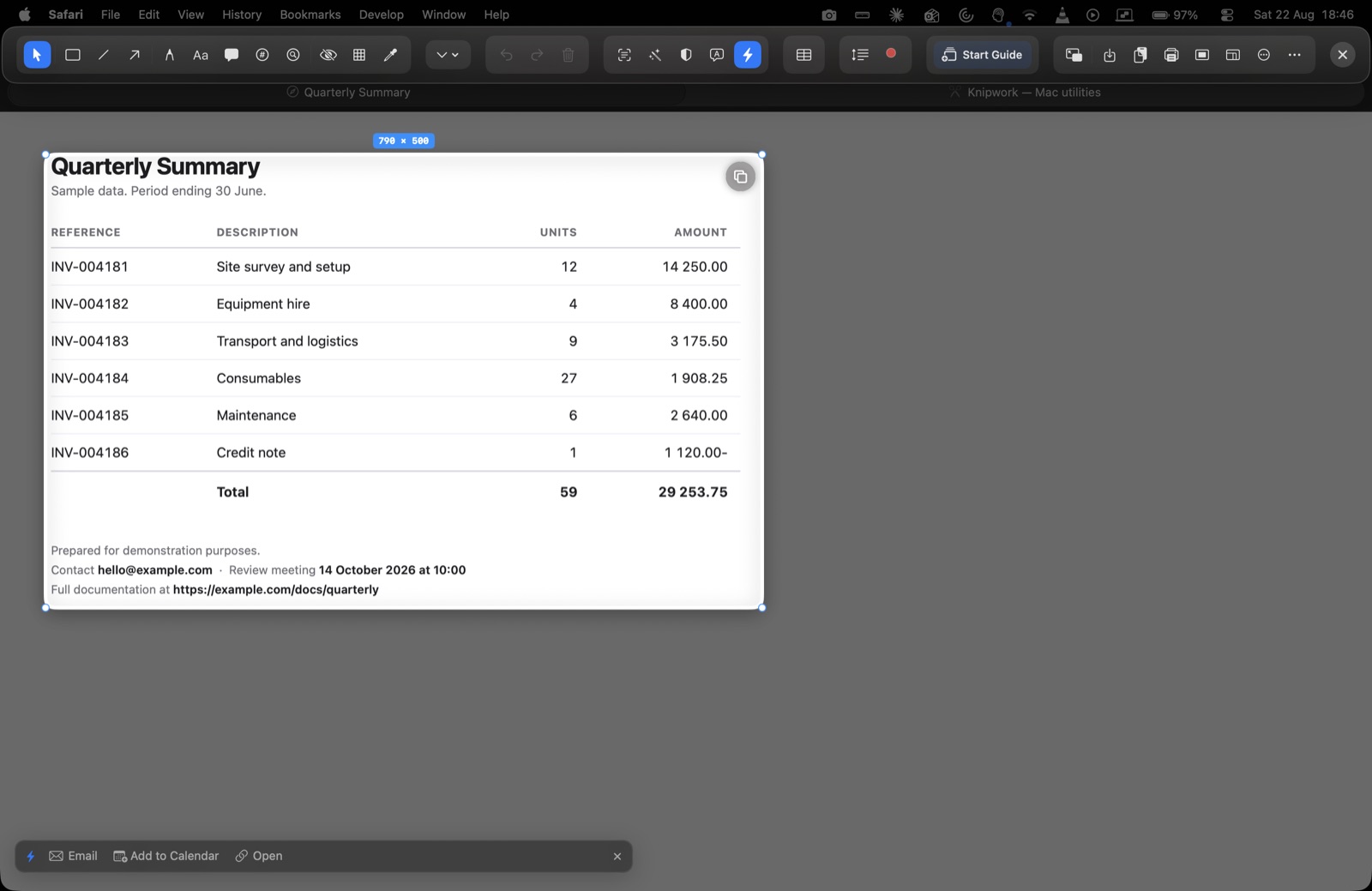
Knipper reads the capture and offers what it finds. A date becomes a calendar event, a link opens, a QR code decodes. All on your Mac.
Record
The screen with system audio and your microphone, your webcam in a corner, a ripple at every click. Trim it, cut pieces out, or export a GIF.
Read the numbers
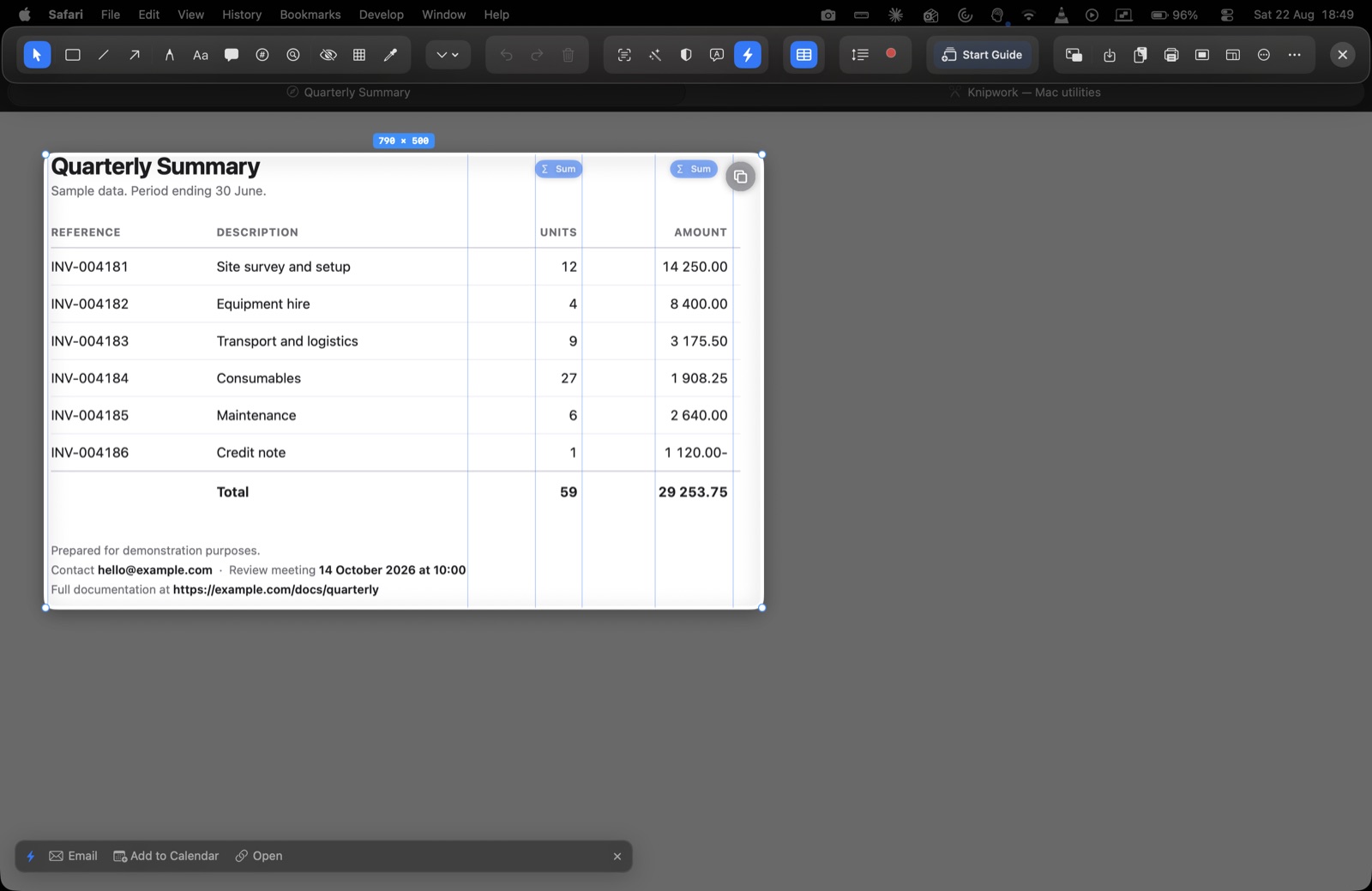
Screenshot a table and Knipper works out where the columns are. Pick one and it totals it, including accounting formats and trailing minus signs.
Keep it private
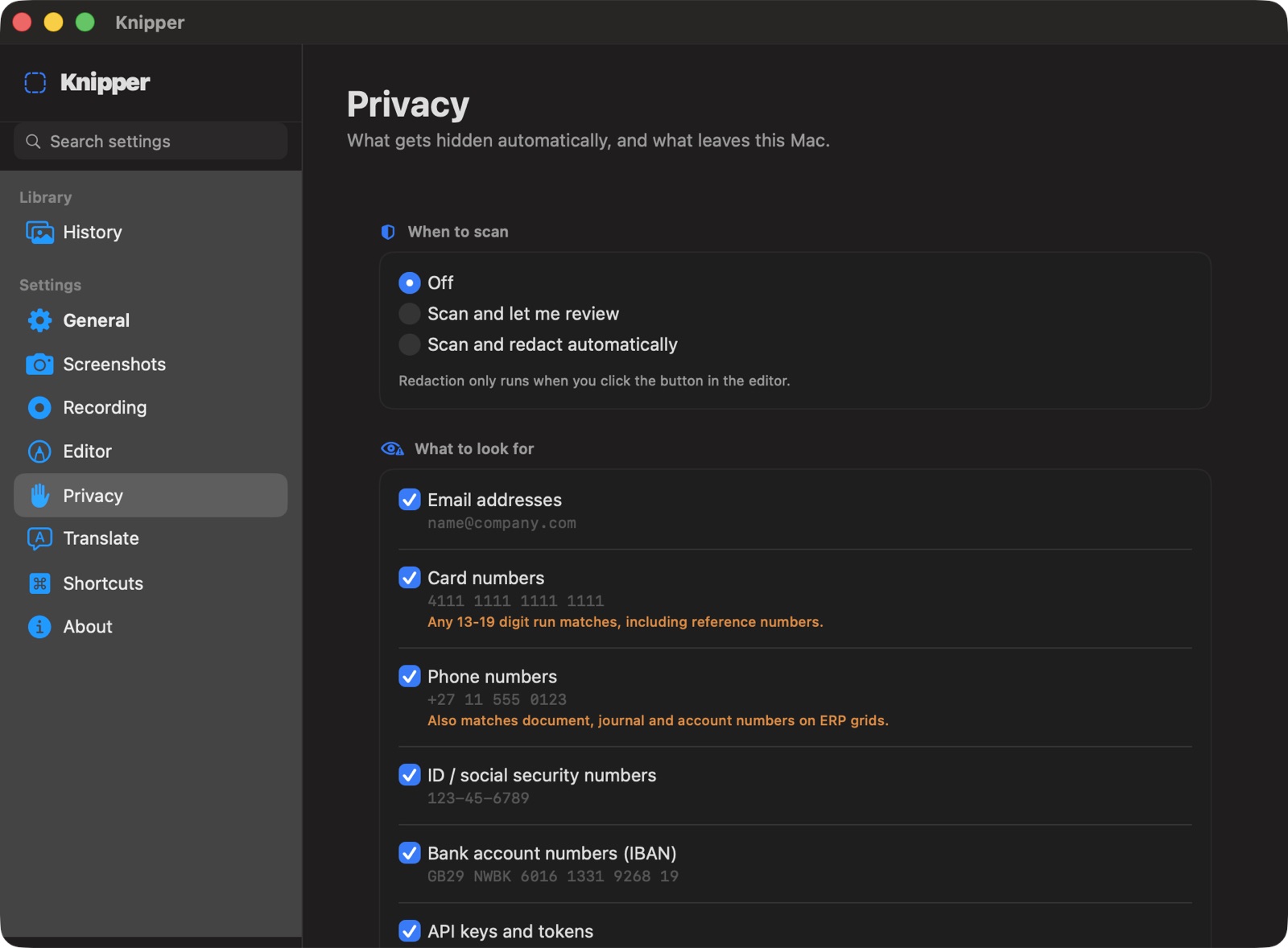
Before you share, Knipper can find things you did not mean to include and cover them: addresses, card numbers, ID numbers, keys, and faces.
Download
Requires macOS 15 or later. Apple silicon or Intel.
Privacy
Knipper does not collect anything. No account, no analytics, no crash reporting, and no server of ours. Your screenshots and recordings stay on your Mac.
One feature can send data off your Mac, and only if you set it up yourself: Translate, which uses a provider you choose and a key you supply. The full policy says exactly what that means.